Hardware, parallelism, and sandboxes
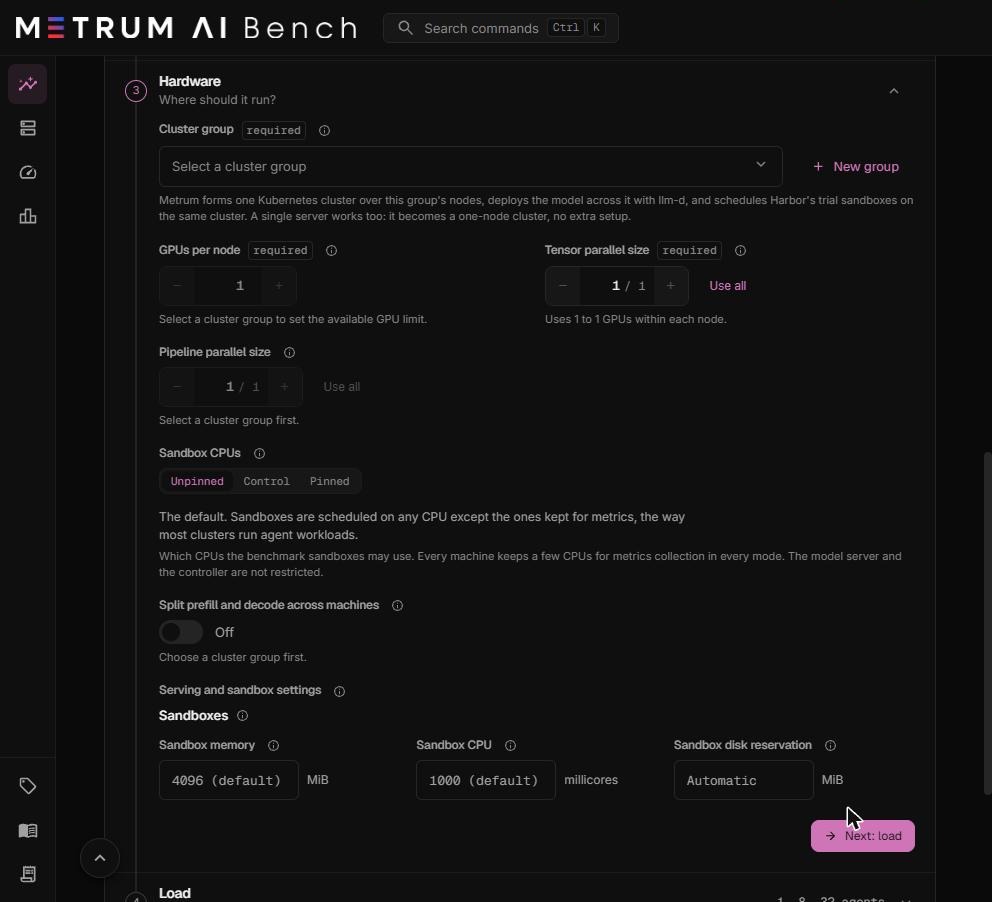
Step 3 of an AgentBench workload sets where the run happens. It decides which machines run the model, how the model is spread across their GPUs, and what CPU, memory, and disk each agent sandbox gets.
How your machines are used
Every Agentic Bench run uses the machines of one cluster group:
- Metrum AI Bench forms one Kubernetes cluster over the group's machines. A single machine becomes a one-node cluster with no extra setup.
- It deploys the model server across the cluster's GPUs.
- It runs every agent sandbox on the same cluster, spread across the machines.
The model server and the sandboxes share the machines. The GPUs serve the model. The CPUs, memory, and disk serve both the model server and the sandboxes.
The web app says node where these pages say machine. Both mean one server in your cluster group.
Parallelism in plain words
A model is a stack of layers. A large model does not fit on one GPU, so its work is split across several GPUs in one of two ways:
- Tensor parallelism splits every layer across several GPUs of the same machine. The GPUs work on each request together and exchange data constantly, so they must sit in the same machine, connected by its fast internal links.
- Pipeline parallelism splits the stack of layers into consecutive parts on different machines. The first machine runs the first layers and passes the result to the next machine over the network.
A replica is one complete, running copy of the model. More replicas serve more agents at once. Each replica uses tensor parallel size × pipeline parallel size GPUs.
Cluster group
A cluster group is a named set of your machines that Agentic Bench forms into one Kubernetes cluster on demand. Required.
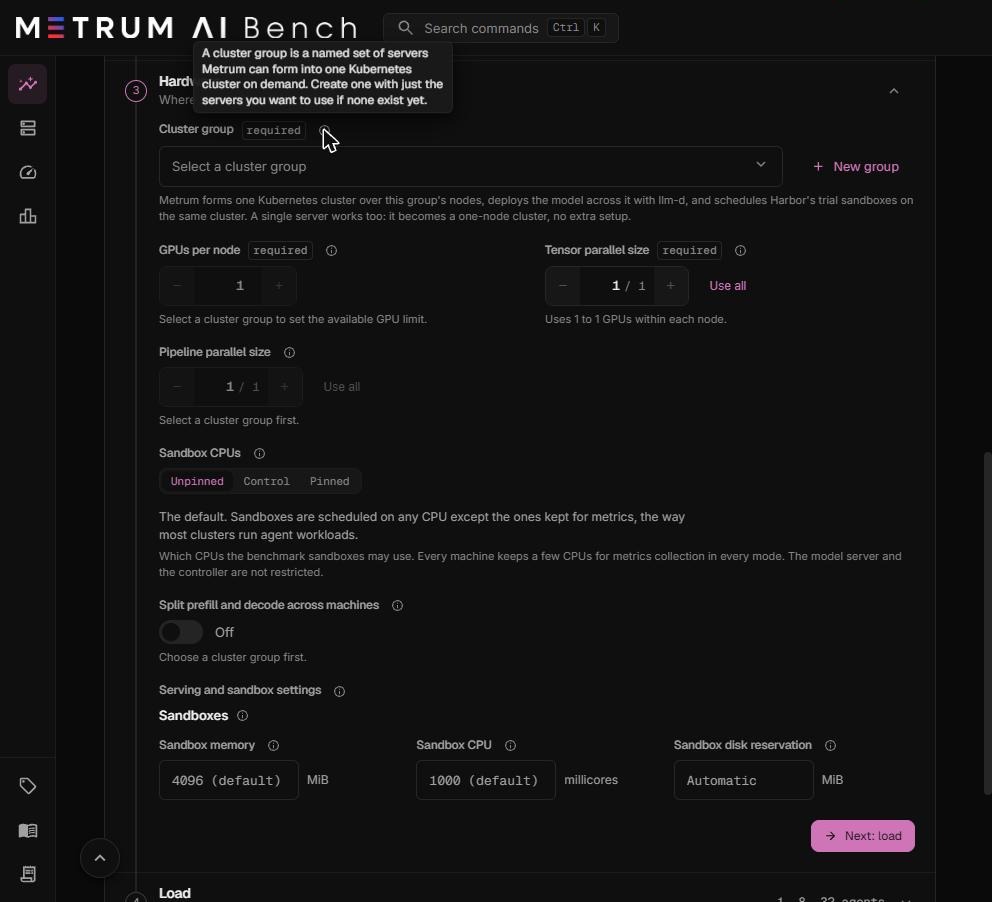
Each entry in the list shows the group's name, its number of machines, and its total GPUs.
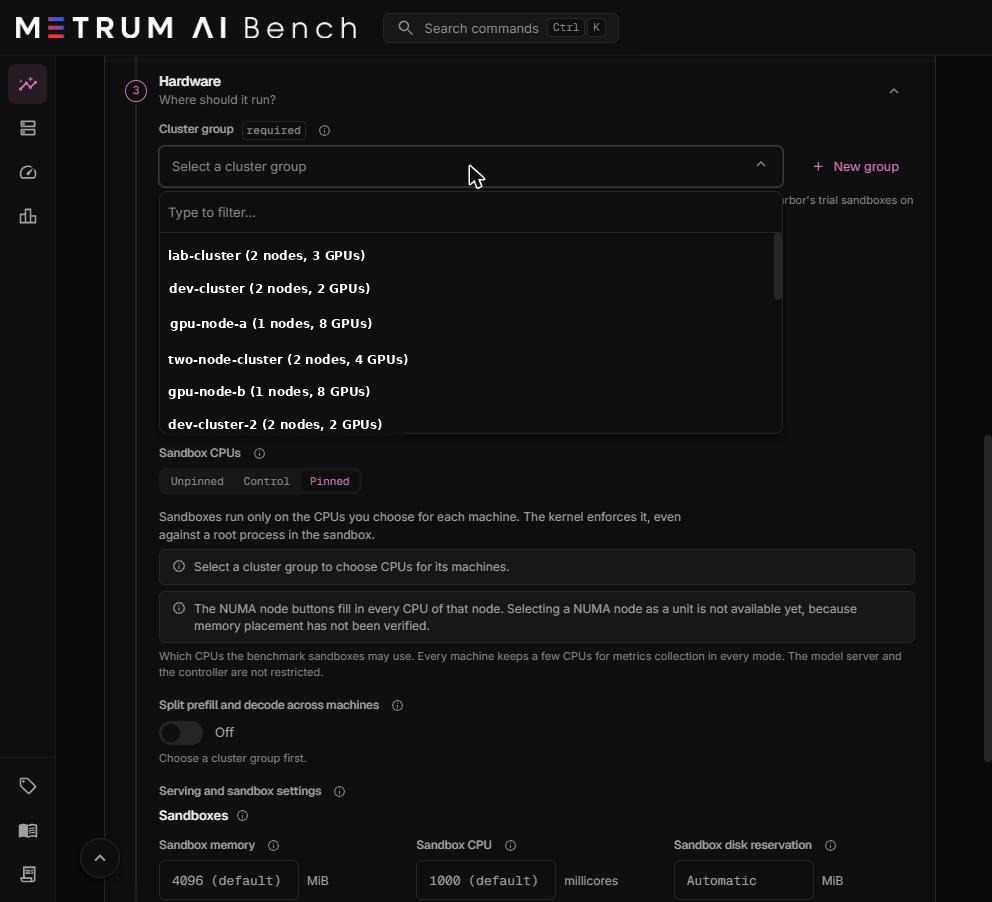
After you choose a group, Nodes in this group lists each machine with its GPUs and the CPU cores available to the run.
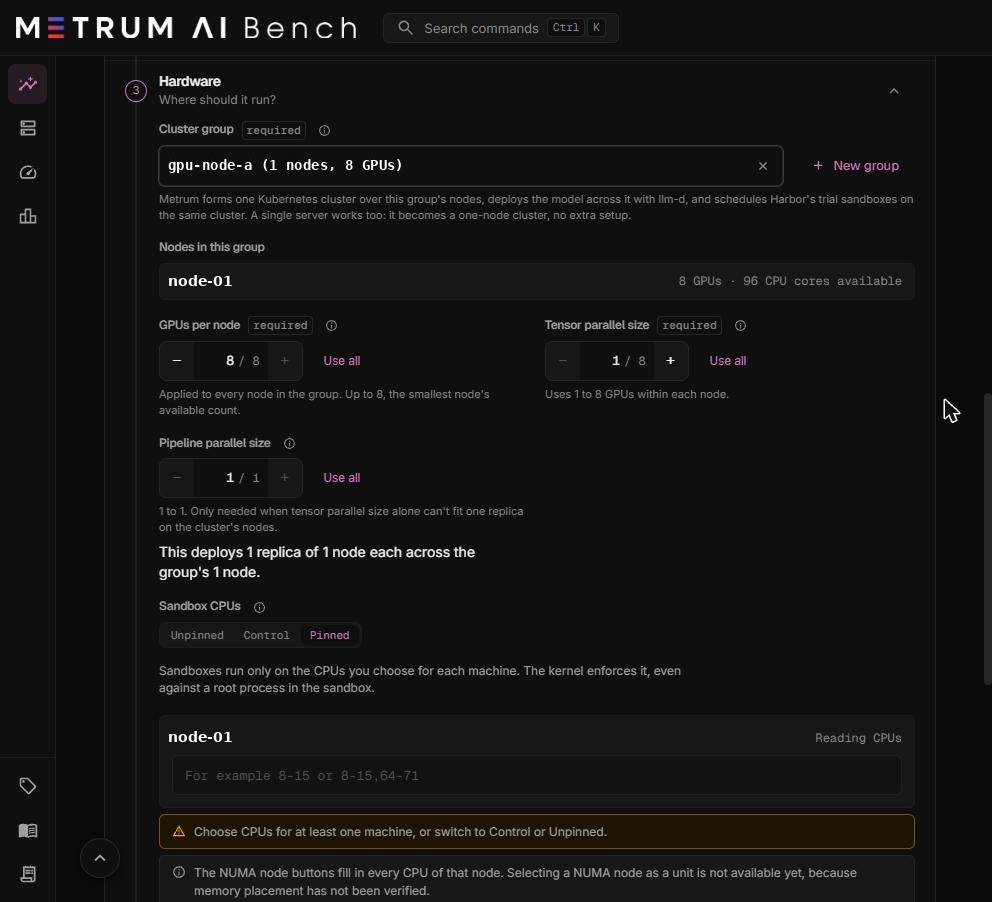
Create a cluster group
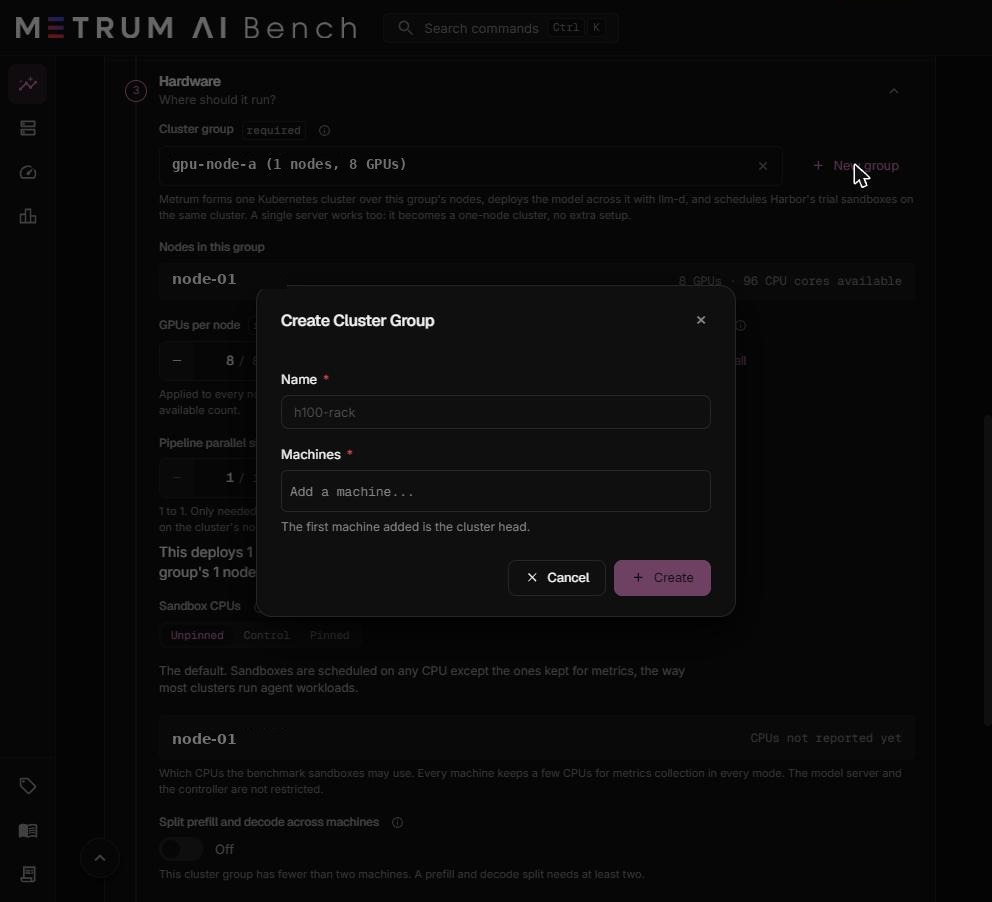
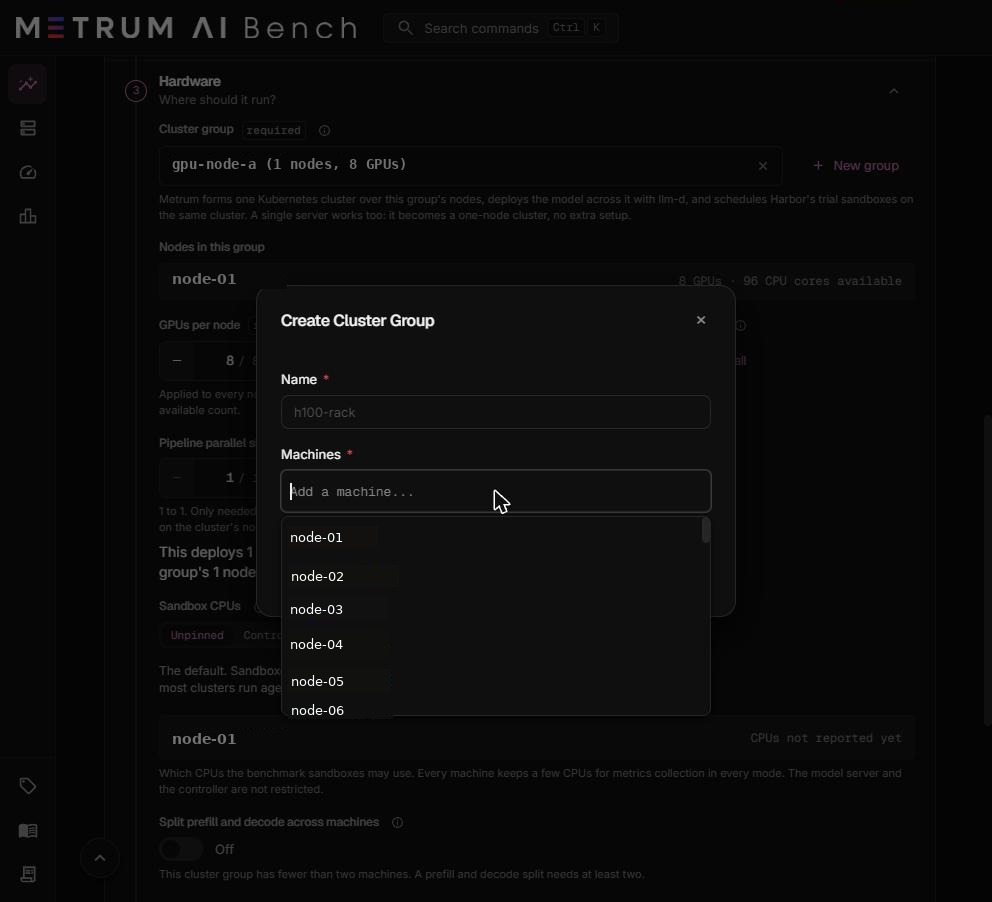
- Select New group.
- In Name, enter a short name, for example
h100-rack. - In Machines, add each machine. The first machine you add is the cluster head.
- Select Create.
Requirements for a cluster group
| Requirement | Why |
|---|---|
| Every machine is onboarded and its Metrum agent is running. | The agent forms the cluster, starts the model server, and reports telemetry. |
| Every machine has an IP address on record, when the group has two or more machines. | Machines join the cluster by IP address. |
| Every machine has the same GPU vendor. | One model deployment uses one build: CUDA for NVIDIA, ROCm for AMD. |
| Every machine's clock can be synchronized by NTP. | Timing data from different machines is compared directly. The agent waits until chrony reports the clock within 0.5 seconds, and installs chrony when it is missing. A machine whose clock does not synchronize stops the run. |
| Enough free disk on each machine: 2.2 times the model weights, plus 1 GiB per agent at your highest level, plus up to 200 GB for the package cache. | The model downloads to each machine, each sandbox writes task files, and the sandboxes' Python packages are cached on the machine. Before each level the agent checks free disk against what the run's earlier levels used, and refuses a level that would fill a machine. |
| Enough free memory on each machine: 8 GiB, plus half the model weights, plus 256 MiB per agent at your highest level. | The model server, the cluster, and the sandboxes all use host memory. This is a planning figure; the agent does not check it before the run. |
| The machines can reach each other, and reach Hugging Face, public container registries, and GitHub. | The cluster forms over the network between the machines, and the run downloads the model and images. See Network access. |
One cluster group runs one run at a time. A second run on the same group waits in a queue, and the monitoring page shows how many runs are ahead. A run also waits until the previous run's cluster is fully torn down.
GPUs per node
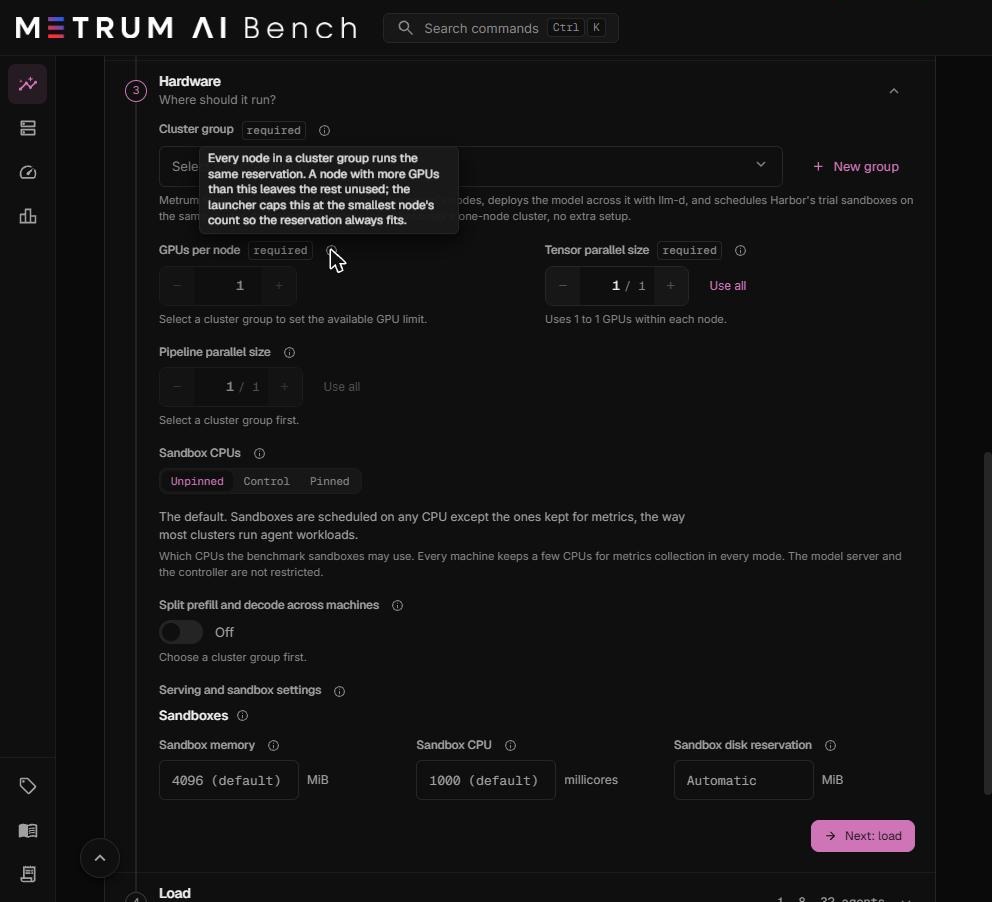
How many GPUs the run uses on each machine. Required.
- The same number applies to every machine in the group.
- The maximum is the smallest GPU count of any machine in the group. A machine with more GPUs leaves the rest unused.
- Use all sets the maximum.
Tensor parallel size
How many GPUs one copy of the model uses on one machine. Required. Allowed values: 1 to GPUs per node.
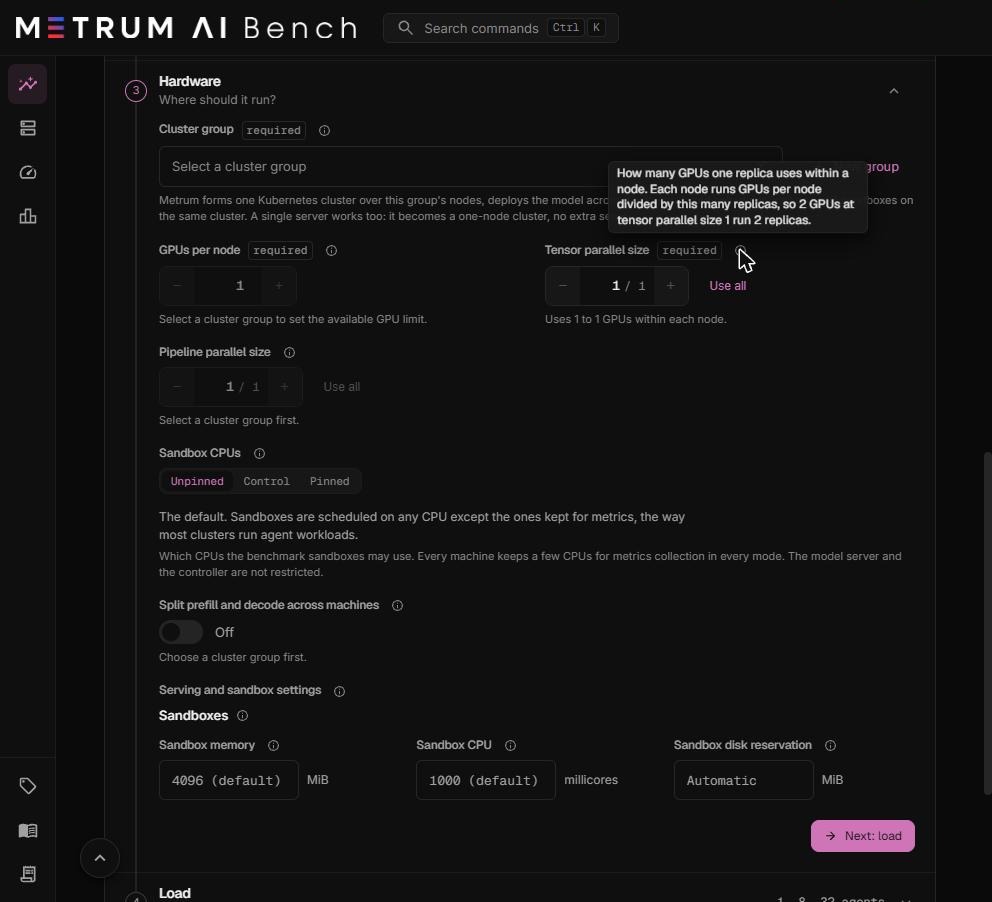
Each machine runs GPUs per node ÷ tensor parallel size copies of the model, rounded down. GPUs left over by the rounding stay unused. For example, 3 GPUs per node at tensor parallel size 2 runs one copy and leaves one GPU idle.
Pipeline parallel size
How many machines one copy of the model spans. Optional. Default: 1. Allowed values: 1 to the number of machines in the group.
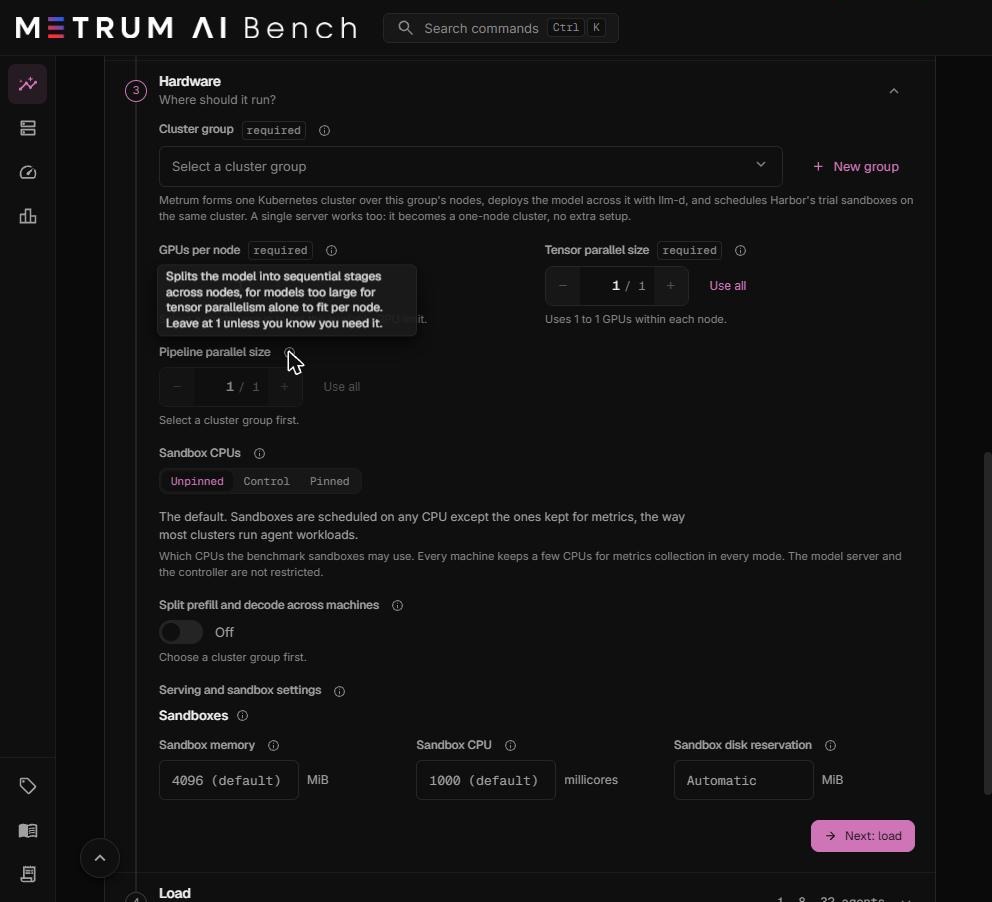
Pipeline parallelism splits the model into stages, one stage per machine. Use it only when the model does not fit on one machine even with tensor parallel size set to every GPU on that machine. The number of machines in the group must divide evenly by the pipeline parallel size.
Model replicas
A replica is one running copy of the model. The model server spreads agent requests across every replica.
Replicas = (machines ÷ pipeline parallel size) × (GPUs per node ÷ tensor parallel size, rounded down)
| Machines | GPUs per node | Tensor parallel | Pipeline parallel | Replicas | Layout |
|---|---|---|---|---|---|
| 1 | 2 | 1 | 1 | 2 | Each GPU serves its own copy. |
| 1 | 8 | 2 | 1 | 4 | Four copies of two GPUs each. |
| 1 | 8 | 8 | 1 | 1 | One copy over all eight GPUs. |
| 2 | 2 | 1 | 1 | 4 | Two copies on each machine. |
| 2 | 2 | 2 | 1 | 2 | One copy on each machine. |
| 2 | 1 | 1 | 2 | 1 | One copy split across both machines. |
| 2 | 8 | 8 | 1 | 2 | One copy on each machine. |
Below Pipeline parallel size, the launcher shows a sentence such as "This deploys 1 replica of 1 node each across the group's 1 node." That sentence counts groups of machines only. The total number of model copies also multiplies by GPUs per node ÷ tensor parallel size, as in the formula above. The report shows the actual replica count under Test conditions.
Choosing tensor and pipeline parallel sizes
| Goal | Setting |
|---|---|
| The most agents served on a model that fits on one GPU | Tensor parallel size 1. Every GPU runs its own copy. |
| A model too large for one GPU | The smallest tensor parallel size whose GPUs hold the weights plus room for the KV cache. |
| A model too large for one machine | Tensor parallel size equal to GPUs per node, and pipeline parallel size 2 or more. |
| Long agent contexts with many turns | A larger tensor parallel size leaves more GPU memory for the KV cache of each copy. |
| A prefill and decode split | Pipeline parallel size 1, and tensor parallel size equal to GPUs per node. See Split prefill and decode. |
Sizing rule of thumb. The model weights take about the parameter count in billions times 2 GB at 16-bit precision, or times 1 GB at 8-bit (FP8) precision. A 27-billion-parameter FP8 model needs about 28 GB for weights. Each GPU in a copy holds the weights divided by the tensor parallel size. Keep at least as much memory again free for the KV cache, because agents send long prompts that grow with every turn.
Sandbox CPUs
Which CPUs the agent sandboxes may run on. A NUMA node, mentioned below, is a group of CPU cores and the memory closest to them. Every machine keeps a few CPUs for metrics collection in every mode: one physical core, or two physical cores on a machine with 64 or more CPUs. The model server and the run controller are never restricted by this setting.
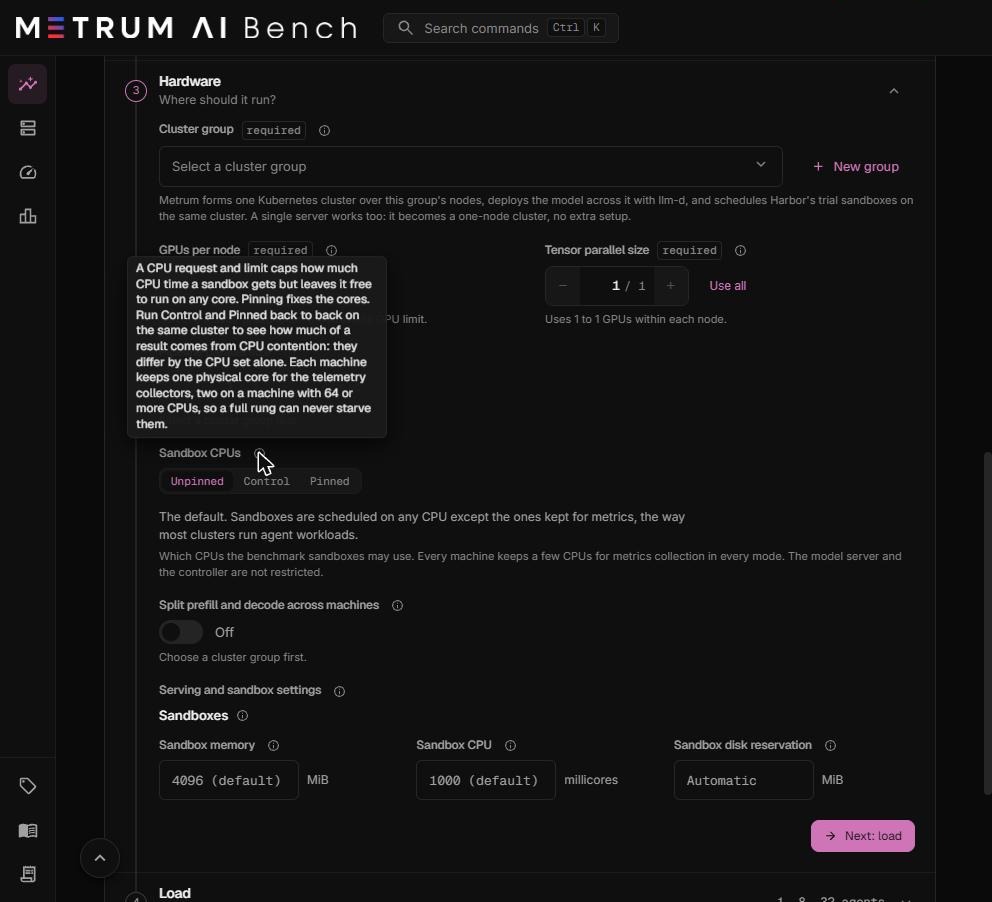
| Mode | What happens | Use it for |
|---|---|---|
| Unpinned (default) | Sandboxes run on any CPU except the ones kept for metrics, the way most clusters run agent workloads. | Normal capacity measurement. |
| Control | Sandboxes use the same pinned runtime as Pinned, with every CPU except the ones kept for metrics. | The baseline for a pinned comparison. |
| Pinned | Sandboxes run only on the CPUs you choose for each machine. The kernel enforces it, even against a root process inside the sandbox. | Measuring the effect of a dedicated CPU set, or isolating agents from the model server's CPUs. |
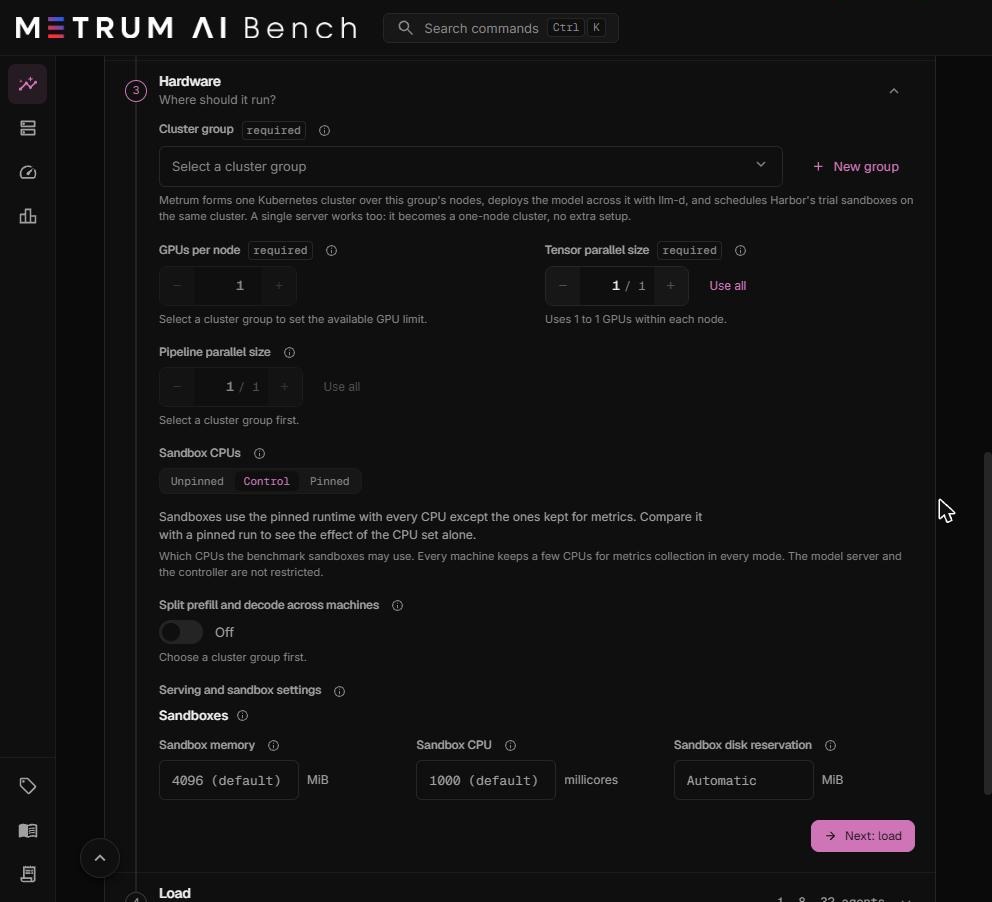
How to measure the effect of pinning. Run Control and Pinned back to back on the same cluster group, with every other setting the same. The two runs differ only by the CPU set, so the difference in their results is the effect of CPU contention.
Choose CPUs for Pinned mode
- Select Pinned.
- Choose a cluster group. A CPU entry box appears for each machine.
- For each machine, enter CPUs in kernel list format, for example
8-15or8-15,64-71. Or select a NUMA node button to fill in every CPU of that node. - Read the summary under the box. It shows how many CPUs you chose, how many physical cores they cover, and which NUMA nodes they sit on.
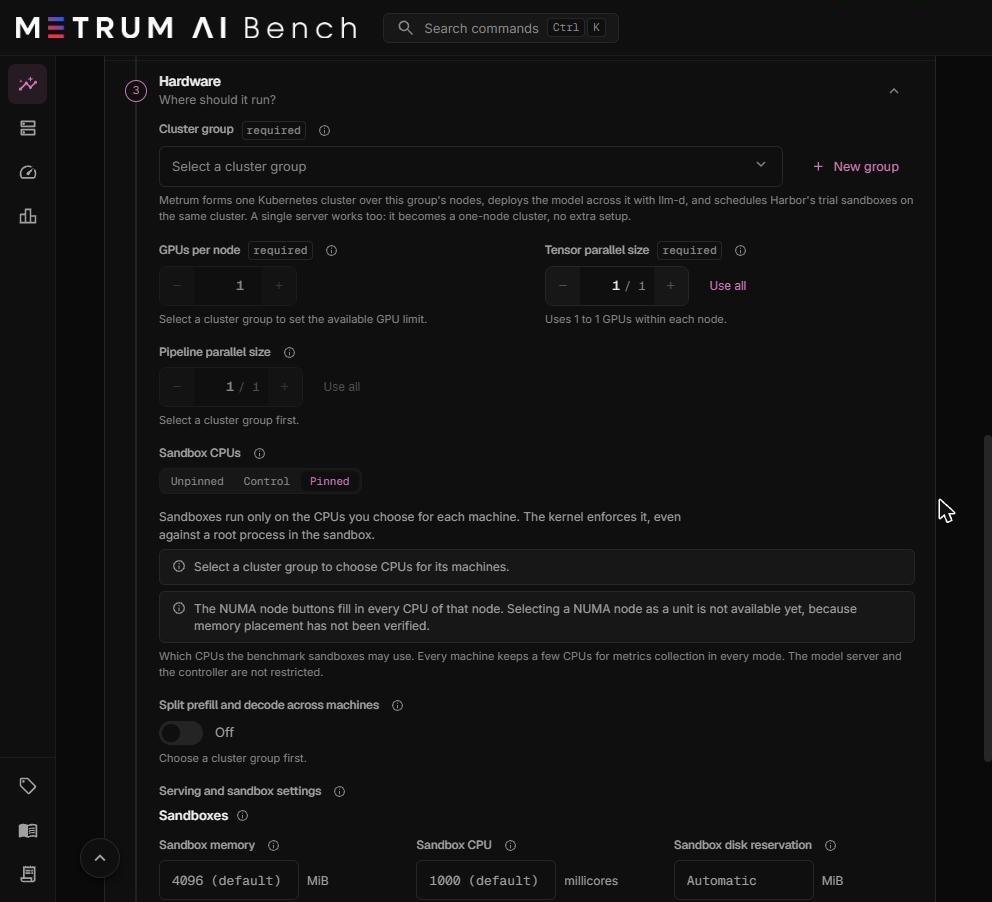

Rules for Pinned mode:
- Choose CPUs for at least one machine, or switch to Control or Unpinned.
- A machine you leave empty runs its sandboxes as in Control mode.
- You cannot choose a CPU kept for metrics collection. The error names the CPUs you can choose.
- Selecting a whole NUMA node as a unit is not available, because memory placement on the node has not been verified. The NUMA buttons fill in the node's CPUs instead.
- "CPUs not reported yet" means the machine's agent has not reported its CPU layout. Update and restart the agent on that machine, then reload the page.
Before every level, a short check runs on every machine to confirm the CPU mode is in effect. If it is not, the run fails instead of measuring under the wrong isolation. The report's Sandbox CPU card shows each machine's mode, chosen CPUs, physical cores, NUMA nodes, and the check result.
Split prefill and decode across machines
Off by default. When on, some machines compute prompts (prefill) and the others generate answers (decode). The switch is available only when the cluster group and parallelism meet the requirements.
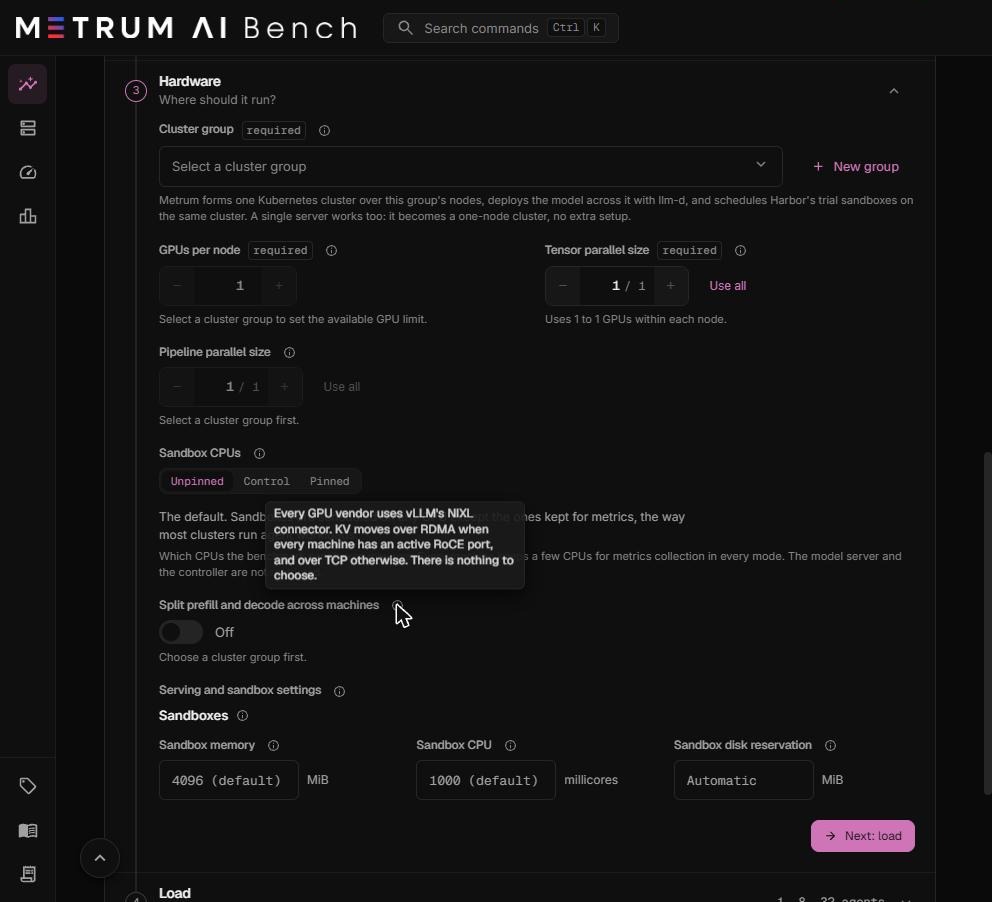
See Split prefill and decode across machines for the requirements, the settings, and how to compare results.
Serving and sandbox settings
Leave a setting empty to use Automatic or its default. Automatic sizes the value from the selected machines and the model when the run deploys.
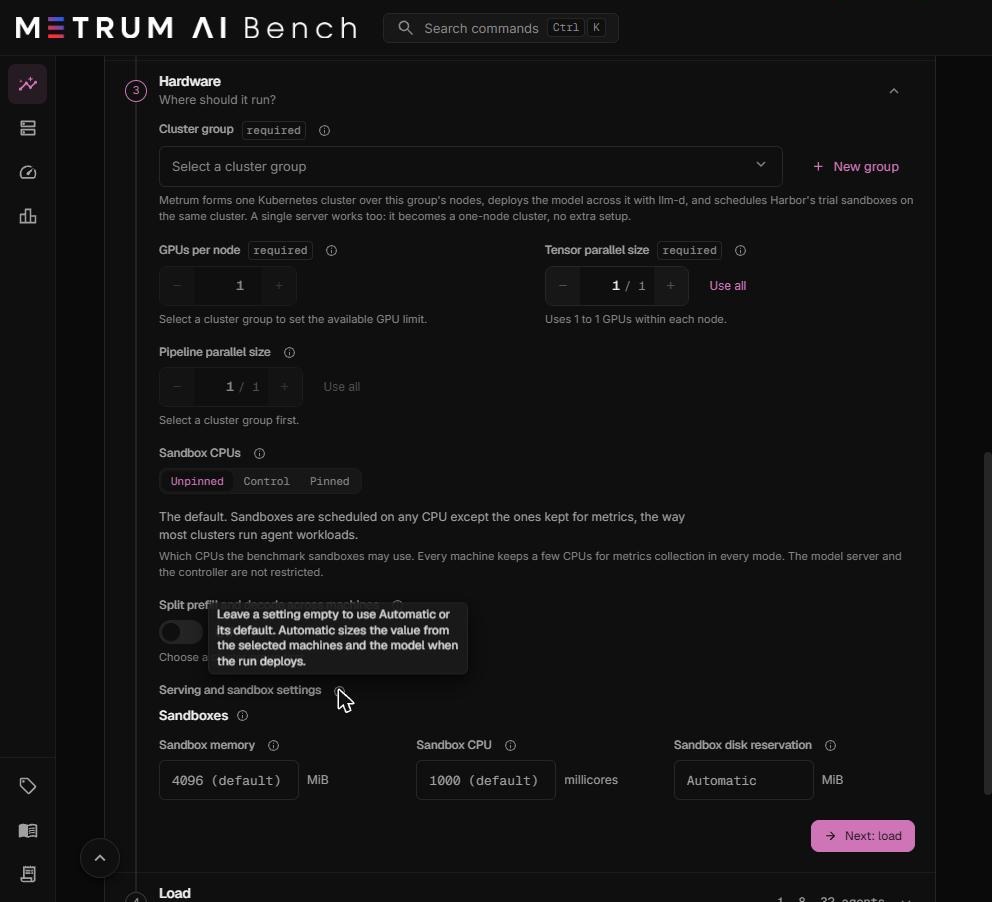
Without a prefill and decode split, this section holds only the Sandboxes settings. With a split, it also holds the engine settings described in Split prefill and decode.
Sandboxes
Every task sandbox at every level gets these settings. They stay the same at every level, so levels stay comparable.
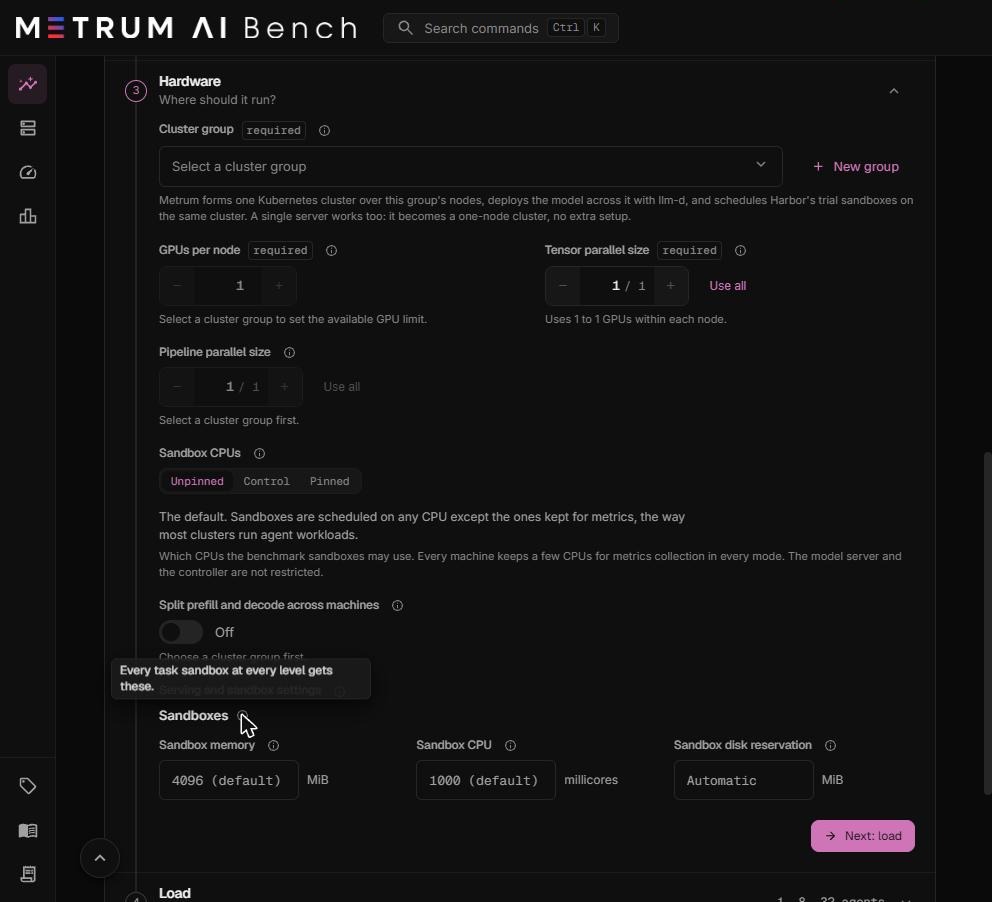
| Setting | What it means | Default | Allowed values |
|---|---|---|---|
| Sandbox memory | The most memory one sandbox may use before it is stopped. Each sandbox reserves an equal share of the free memory, up to this limit. | 4096 MiB | 128 to 4,194,304 MiB |
| Sandbox CPU | The most CPU one sandbox may use. 1000 millicores is one core. | 1000 millicores | 100 to 1,024,000 millicores |
| Sandbox disk reservation | Disk the scheduler reserves for one sandbox. | Automatic | 16 to 10,485,760 MiB |

Sandbox memory. A level whose sandboxes cannot each reserve the minimum memory the agent needs does not start. If a level does not start for this reason, lower the level, add machines, or free memory on the machines.
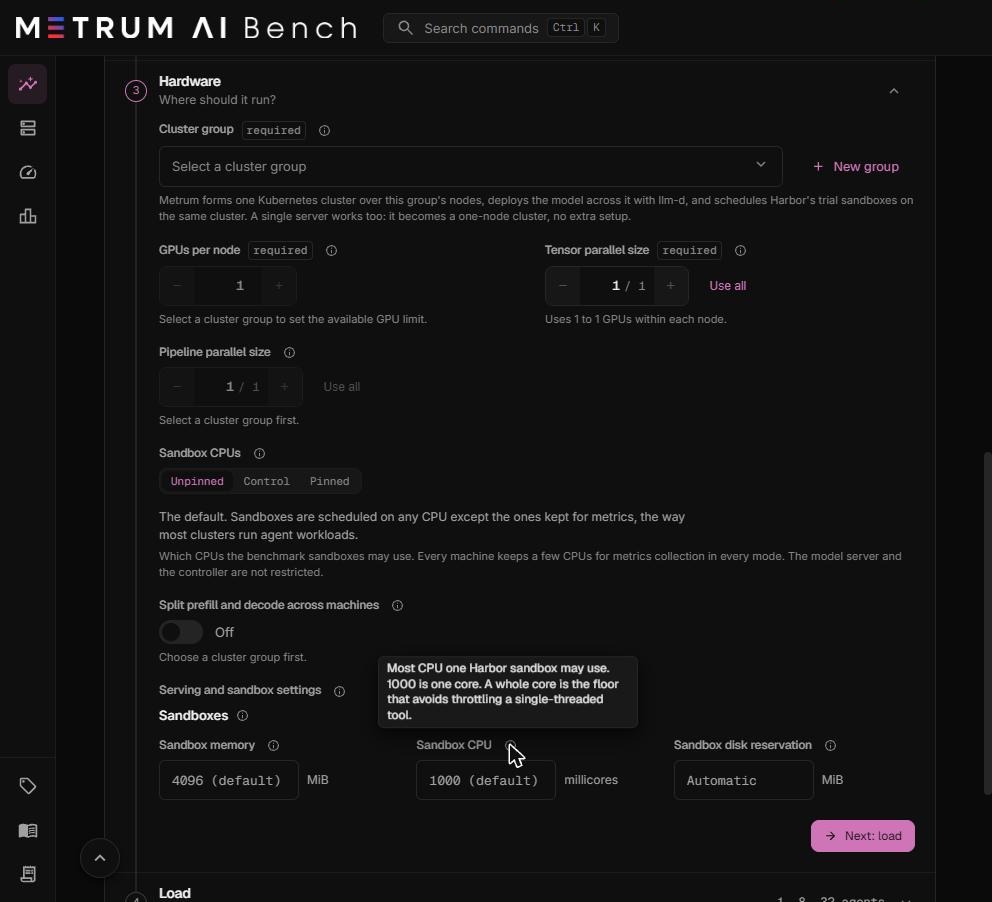
Sandbox CPU. This is a cap, not a reservation. Each sandbox reserves one tenth of a core and may use up to this limit. More sandboxes than cores can therefore run on one machine. They share the cores, and the report shows the contention. One whole core is the floor that avoids slowing a single-threaded tool. Raise it for tasks that compile code or run tests in parallel.
The run controller. The Harbor controller that starts and grades the trials also runs on the cluster. It takes about 3 CPU cores, and its memory grows with the level, up to tens of GiB at levels of several hundred agents. Leave room for it when you size the machines.
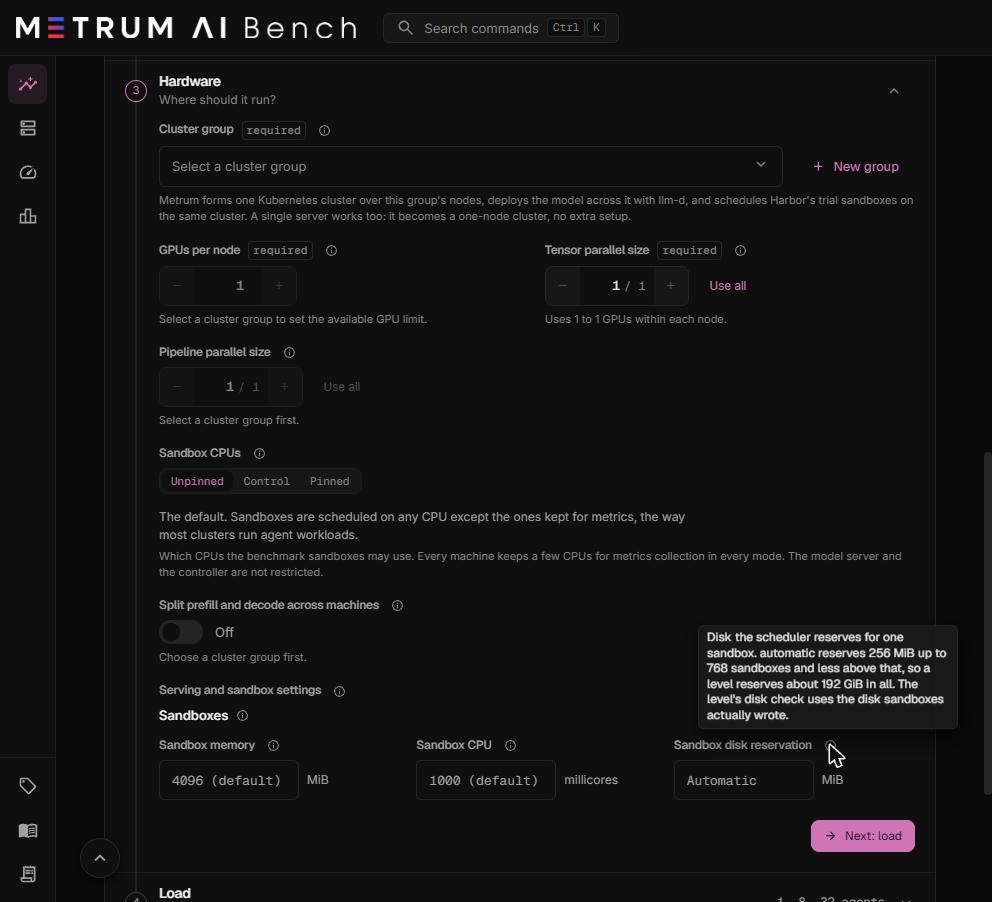
Sandbox disk reservation. Automatic reserves 256 MiB per sandbox up to 768 sandboxes, and less per sandbox above that, so a level reserves about 192 GiB in total. The level's disk check uses the disk the sandboxes actually wrote.
Examples
| Goal | Cluster group | GPUs per node | Tensor parallel | Pipeline parallel | Result |
|---|---|---|---|---|---|
| A 14B model on one 8-GPU machine | 1 machine, 8 GPUs | 8 | 2 | 1 | 4 replicas of 2 GPUs each. |
| A 27B FP8 model on one machine with two 96 GB GPUs | 1 machine, 2 GPUs | 2 | 1 | 1 | 2 replicas, one per GPU. |
| A 27B model on two machines with one GPU each | 2 machines, 1 GPU each | 1 | 1 | 2 | 1 replica split across both machines. |
| A prefill and decode split on two 2-GPU machines | 2 machines, 2 GPUs each | 2 | 2 | 1 | One prefill engine and one decode engine. |